Catalog
The Catalog provides a view into all of the assets that your organization has uploaded or generated. Assets that are used as training data, or output generated by a training or inference job will be automatically added to your catalog.
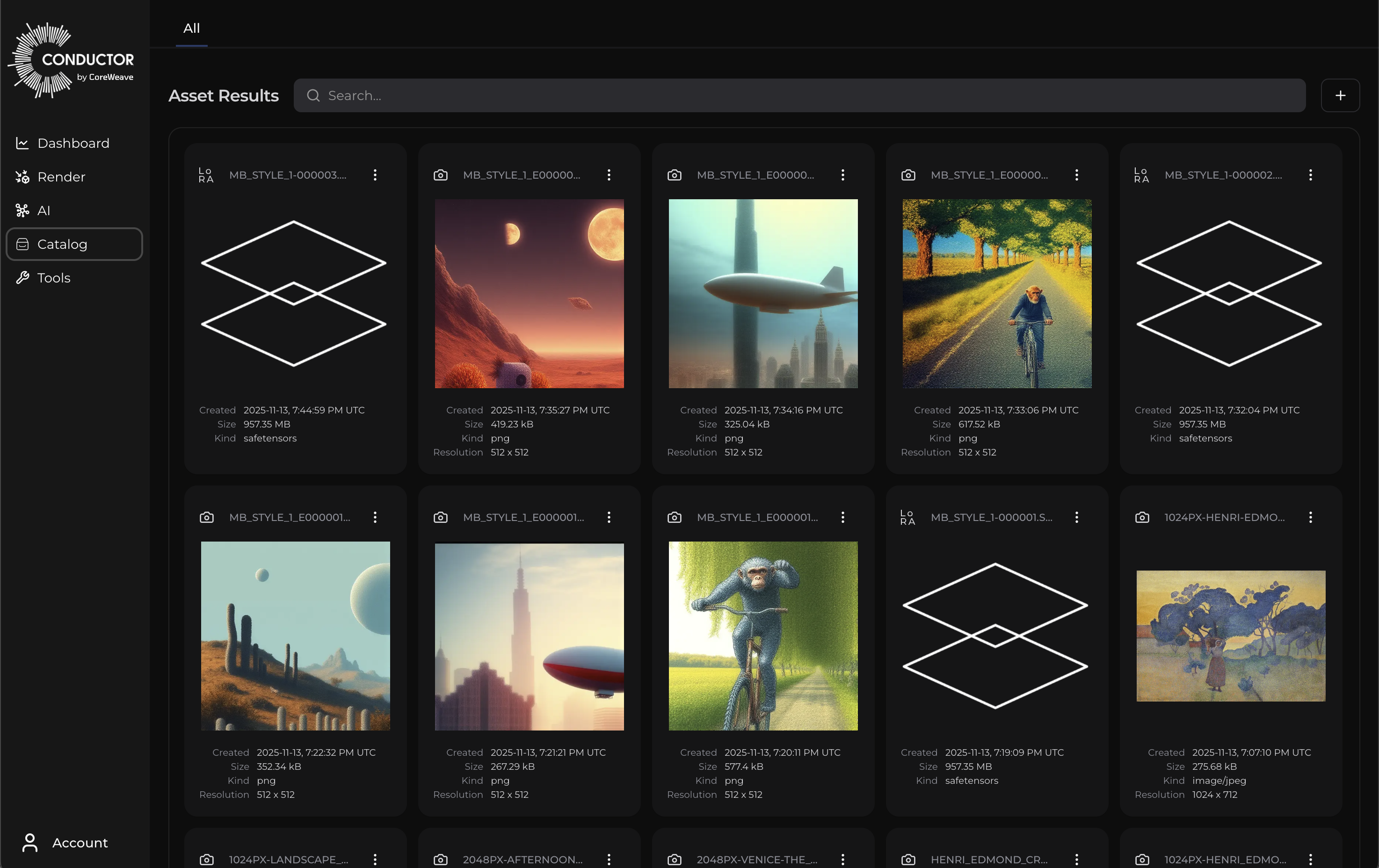
Each asset card has an action menu:
Action
| Action Name | Description |
|---|---|
| Download | Download a copy of the asset to your local system. |
| Delete Permanently | Permanently delete the asset from the system. I will no longer be available for use or if created by a job, visible in the relevant Job Details page. |
| Run Inference (.safetensor only) | Open a new inference job populated with the selected .safetensor and base model. |
| Go To Job (.safetensor only) | Go to the job details page for the job that created the selected .safetensor. |
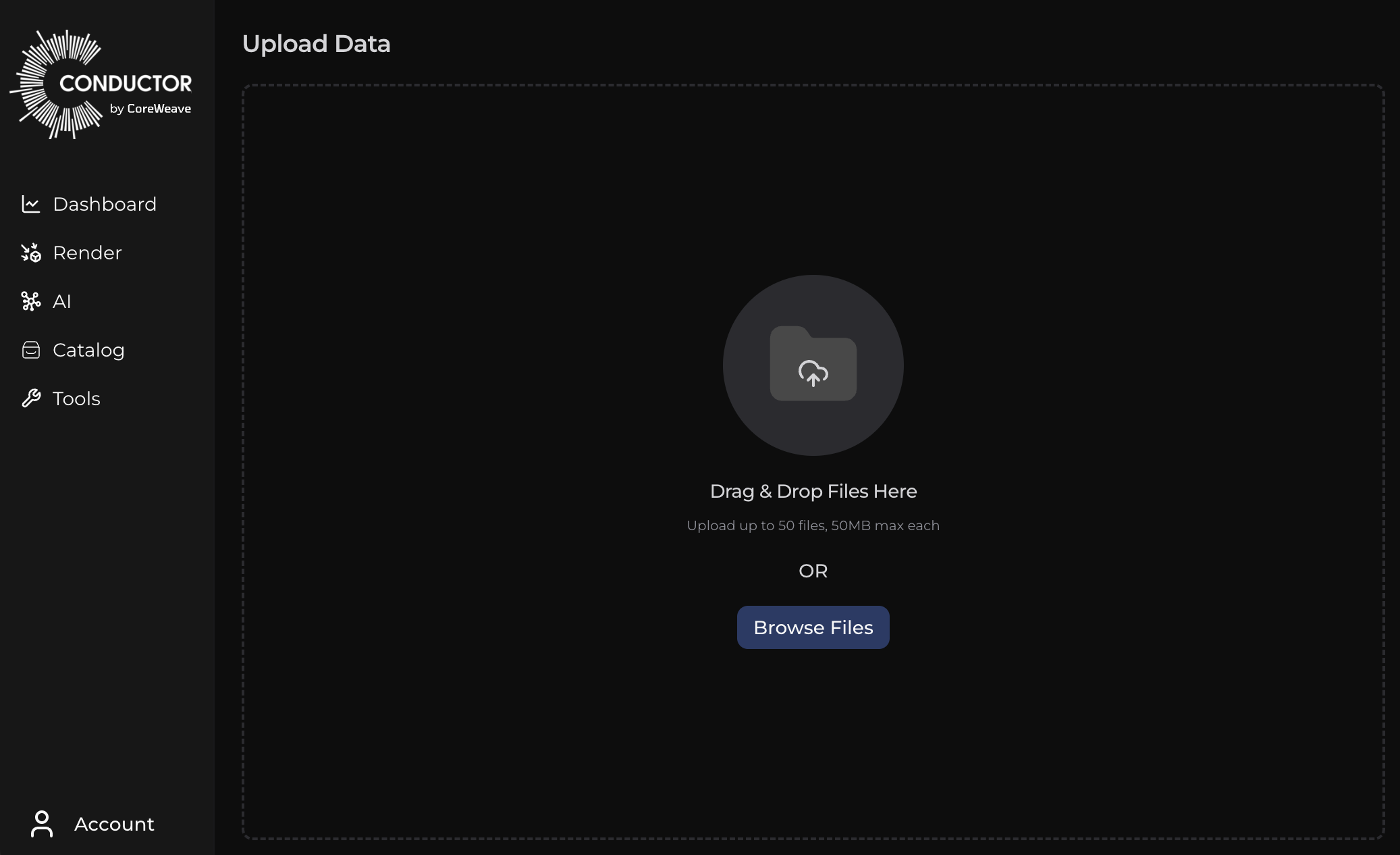
To add more assets directly to the catalog, click the “+” button to the right of the search bar and then drag & drop or browse for assets to add.