Account Administration
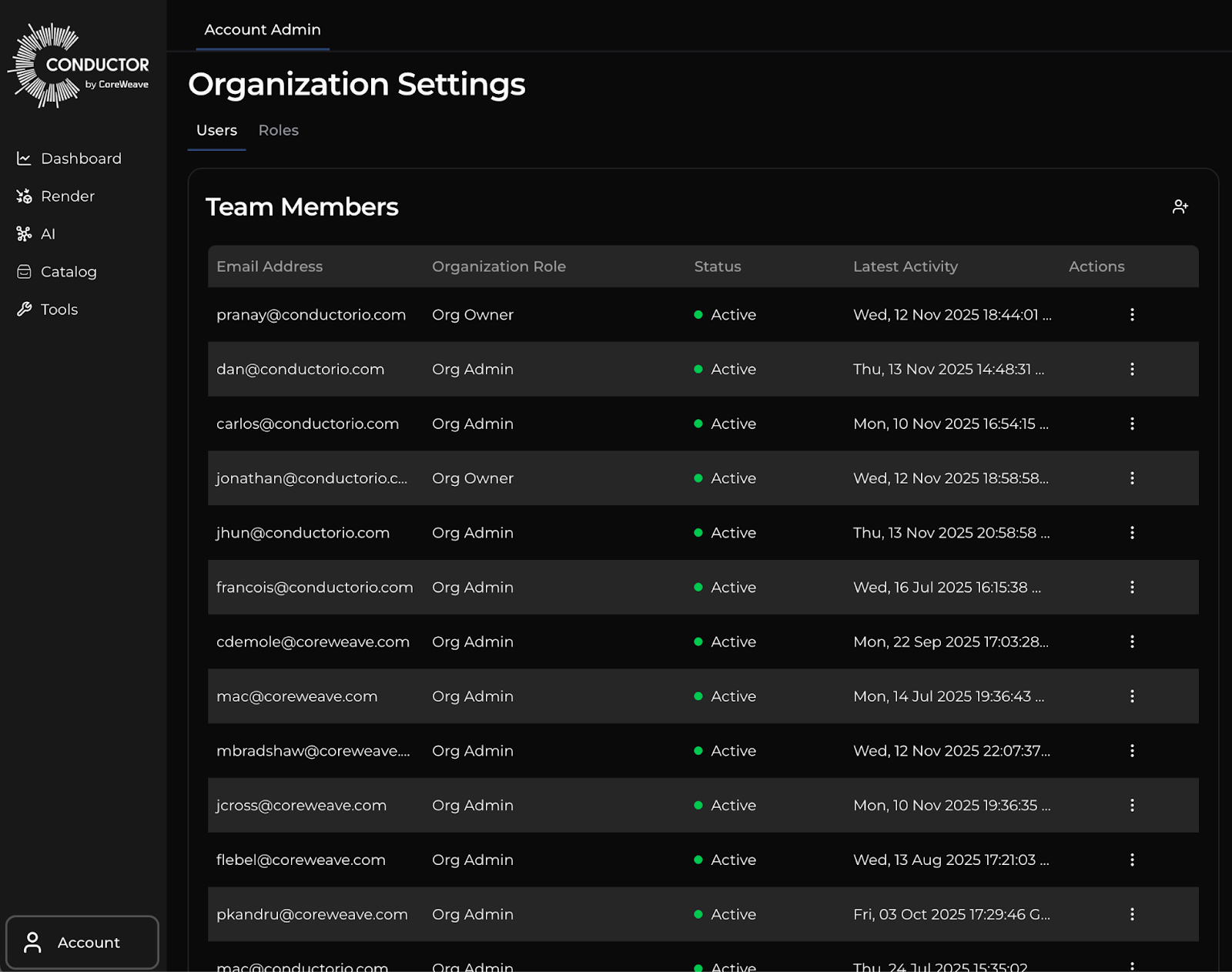
Your account can be managed from the Account Admin page. Once you are logged in to Conductor you can find your training jobs by navigating to Account -> Account Admin.
Users
From the Users tab, you can add a user, activate or inactive a user account, or change a user’s role (with sufficient permissions).
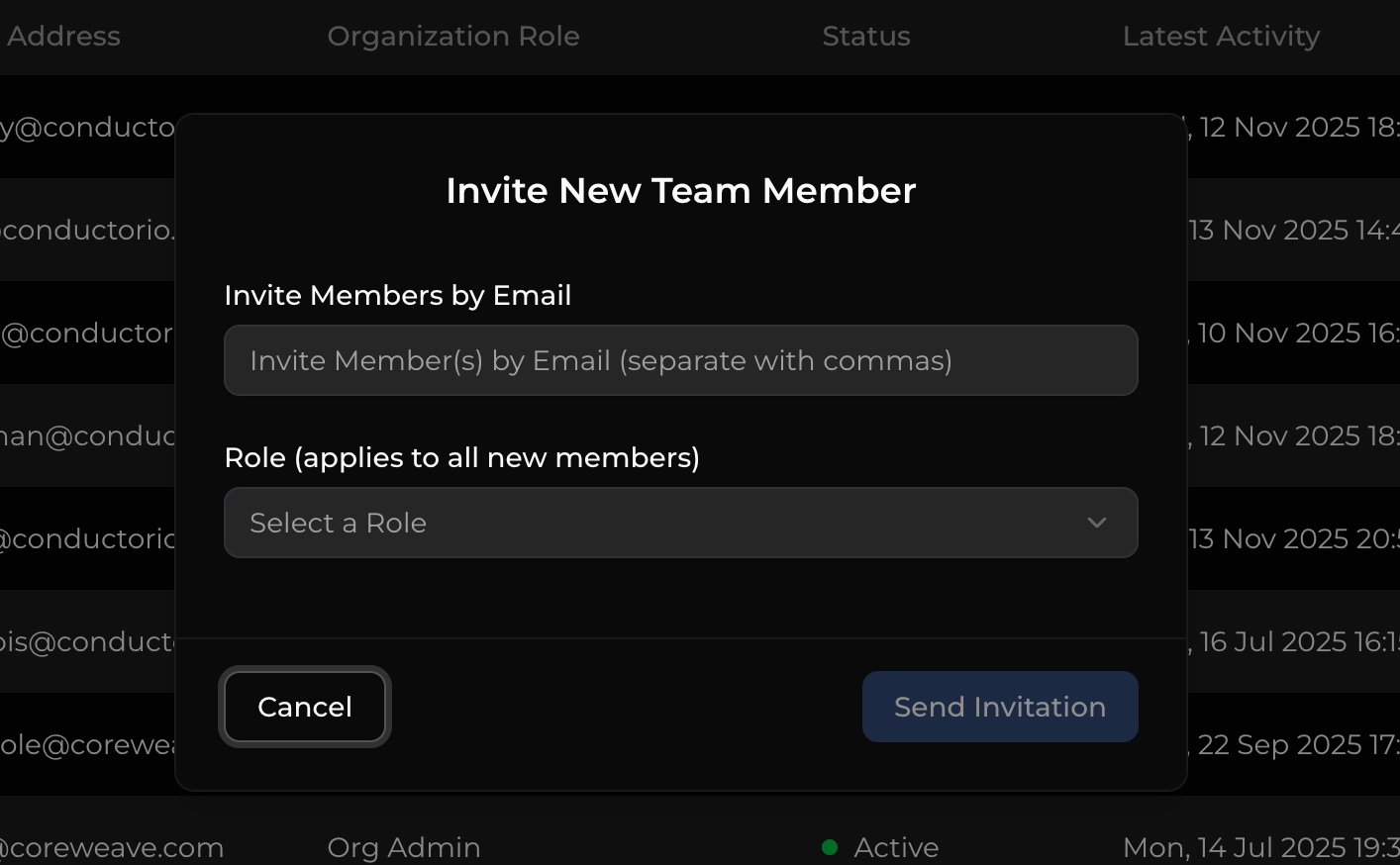
To add a user, click the add person icon at the upper right of the user table. In the dialog, add the email of the user you would like to add, and select a role the user will be assigned. You may add multiple users at a time, but all users added simultaneously will get the same role.
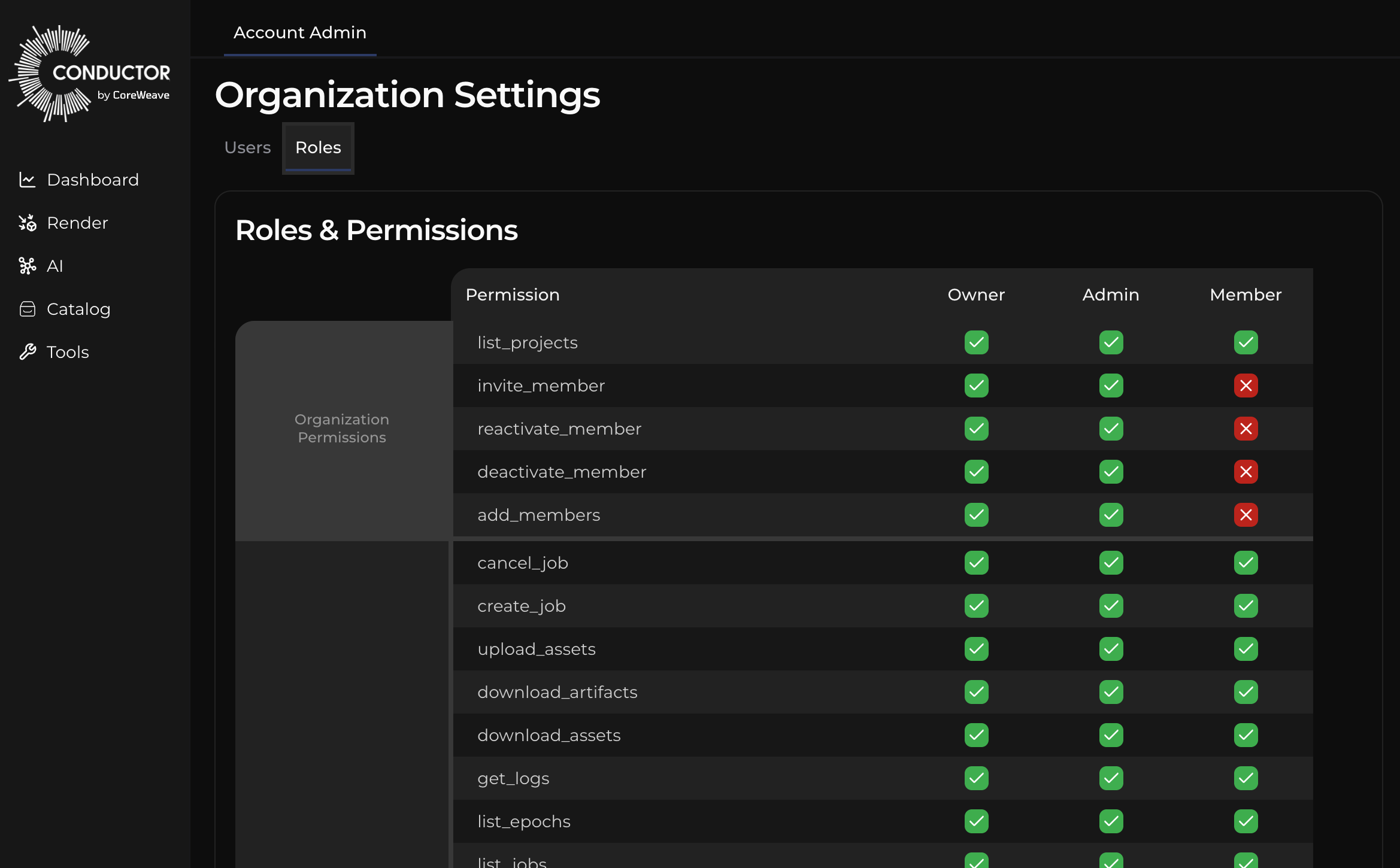
Permissions
The permissions allowed for each role can be found in the Roles tab: